What it does.

Dealera follows a vehicle from the auction lane to the customer's driveway. Each stage below is a working part of the system, used daily on the forecourt it was built on.


Stock

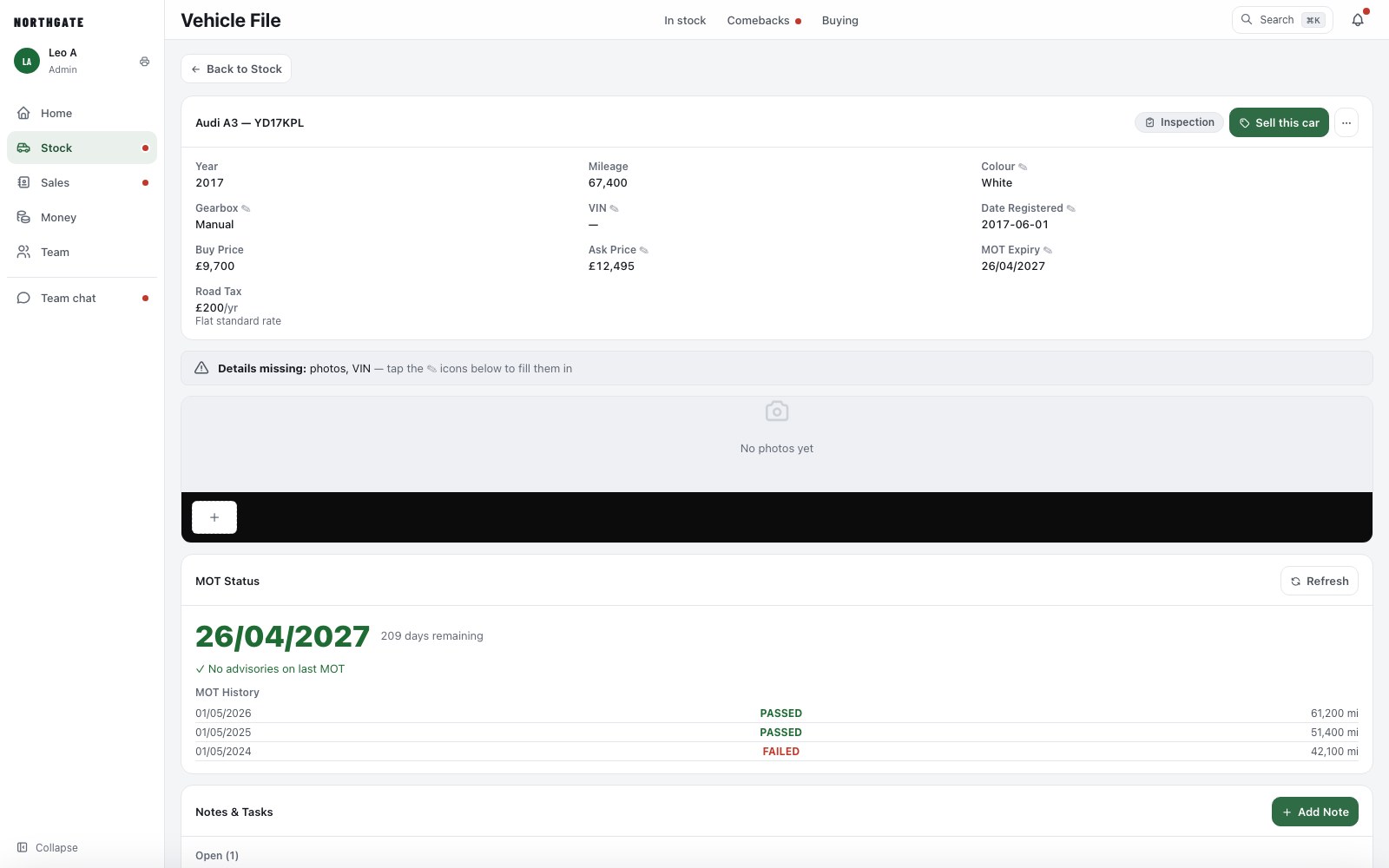
A car is created from its registration plate. The MOT history and expiry come from DVSA, the road tax is calculated, and the file holds the photographs, the purchase price, the asking price and every job done to it.

  • Vehicle check: write-off, finance, stolen and mileage markers on the file
  • Stock synchronised with AutoTrader in both directions
  • Sold, reserved and in-preparation states shown on the grid
  • Thirty-day bin for anything removed in error
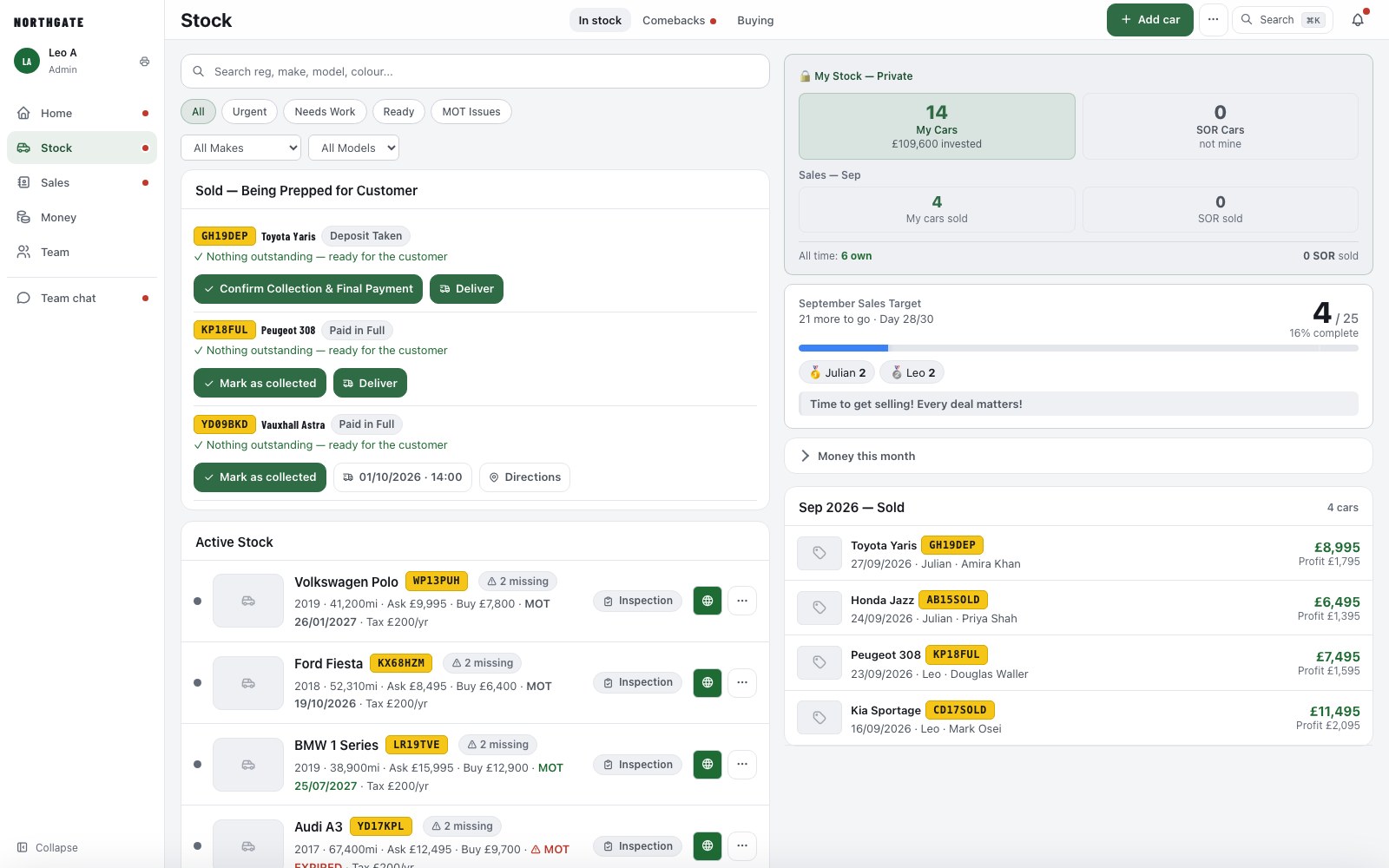
The Stock screen
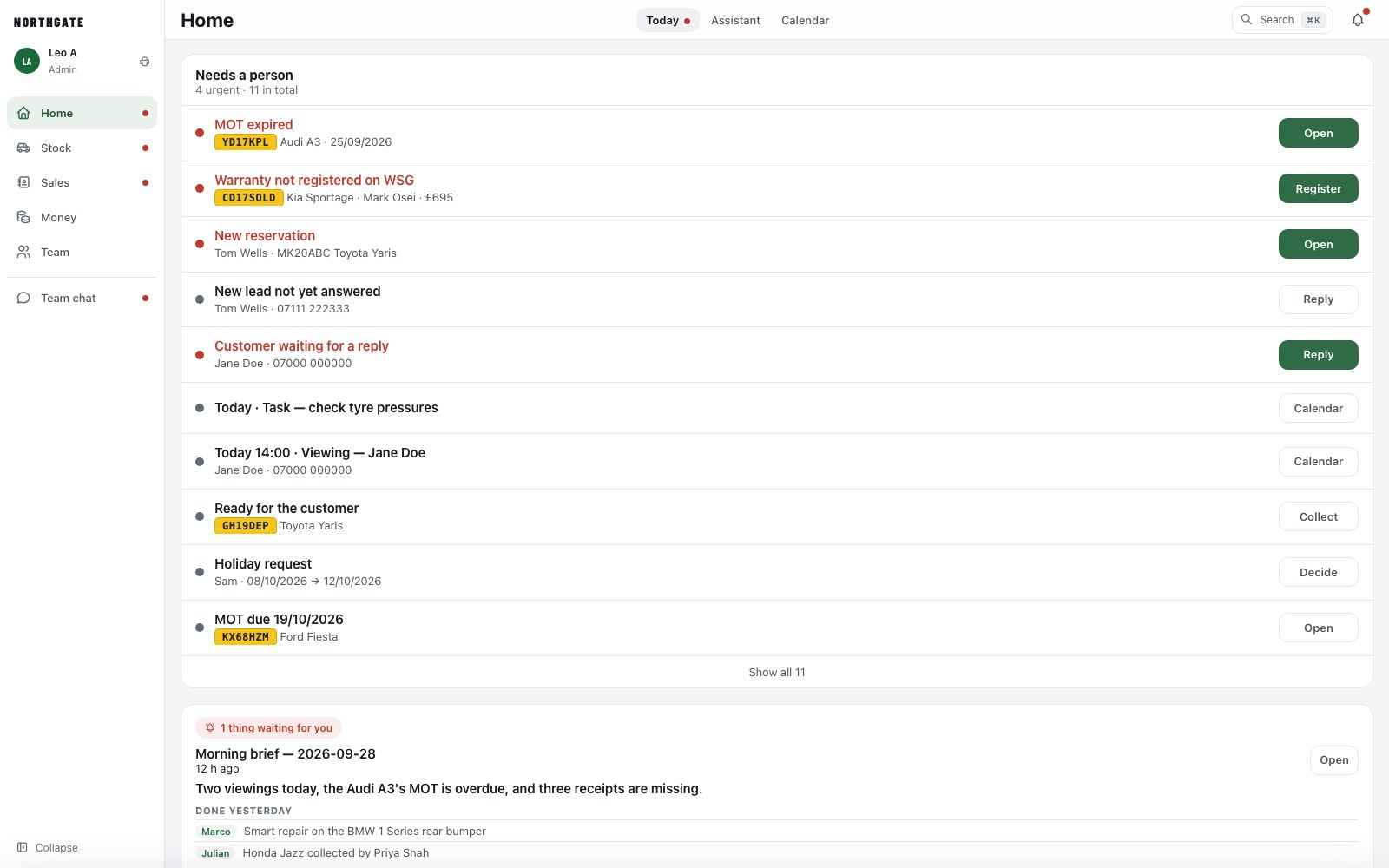
The Home screen with today's jobs

Preparation

Each job on a car is assigned to a person and completed from their phone. The vehicle is not marked ready, and cannot be handed over, until the list is clear. Costs recorded against the job are deducted from the profit on the sale.

  • Valet, mechanical, bodywork, MOT and photography as separate jobs
  • Receipts photographed and attached to the cost
  • Technicians see their own list; owners see all of it

Sales

A sale is one card: the customer, the deposit, the finance arrangement, the part exchange and the collection date. The invoice is produced from it and can be signed digitally by the customer on their own phone.

  • Reservations, deposits and final payments on the same invoice
  • Collection and delivery appointments placed in the calendar
  • Logbook, warranty and handover items ticked off after the sale
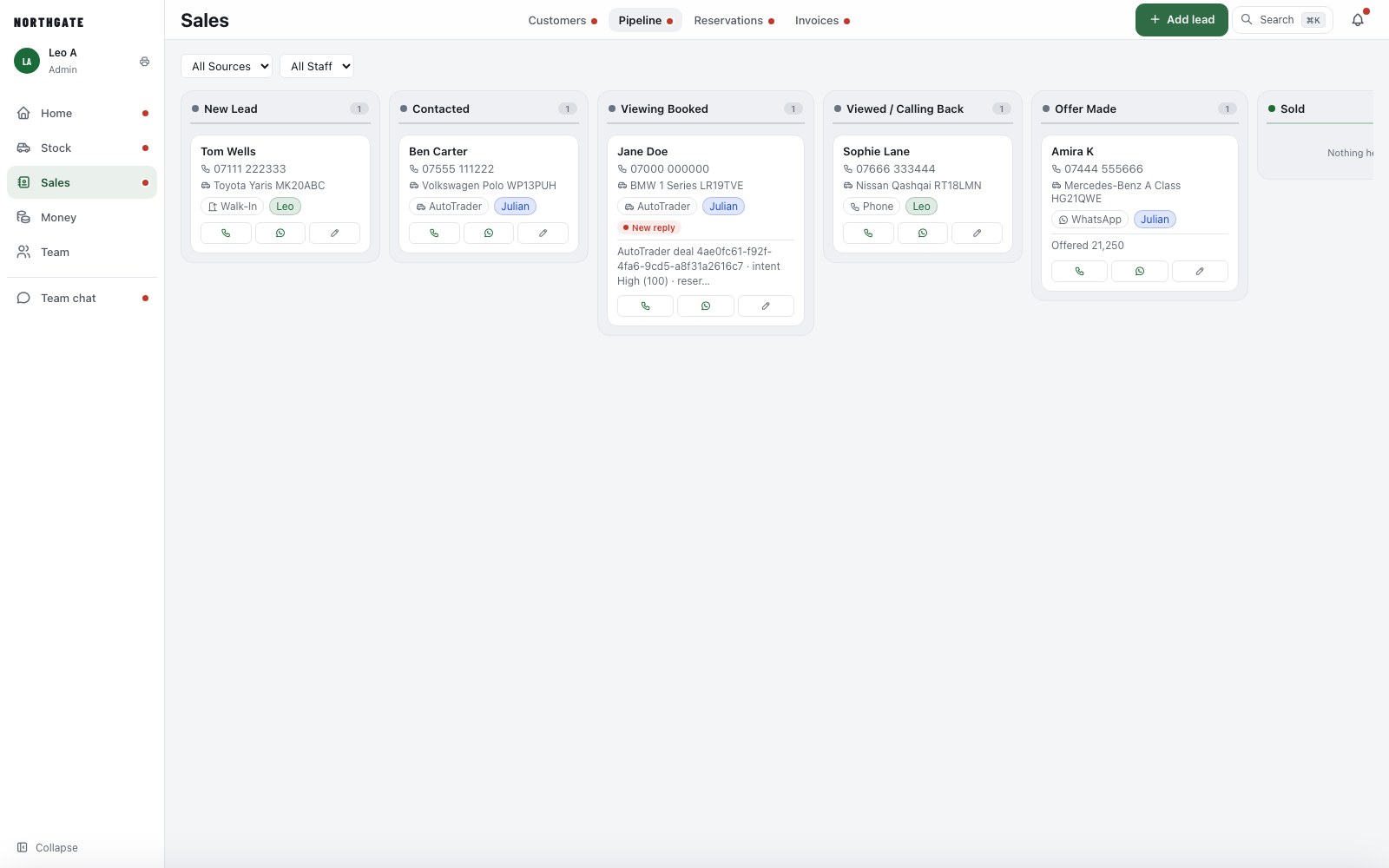
The sales pipeline
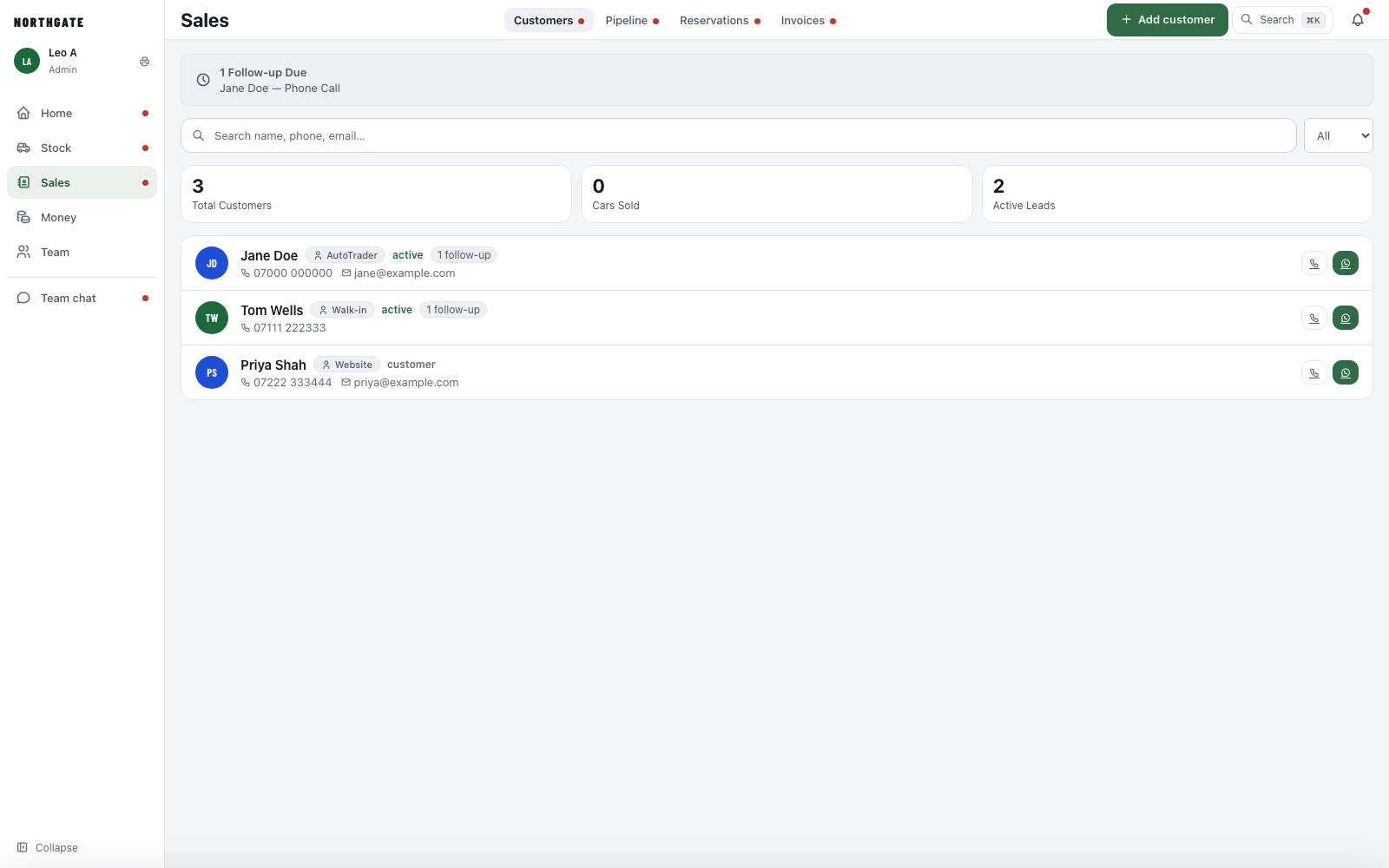
Customers and leads

Leads

Enquiries from AutoTrader arrive in the pipeline with the car attached and notify the team's phones. A reply can be drafted from the vehicle's actual details, and a viewing booked from the same screen.

  • AutoTrader leads and deals pulled in automatically
  • Viewings and collections appear in the calendar
  • Customer messages in your own wording

Auctions

Catalogues from Manheim and BCA are loaded before the sale. Mark the lots you intend to bid on, set a ceiling, and record the result. A car bought at auction is in stock, with its file started, before it is off the transporter.

  • Watch list per sale, with your ceiling against each lot
  • Won lots become stock in one step
  • History of what you watched and what you paid
A vehicle file
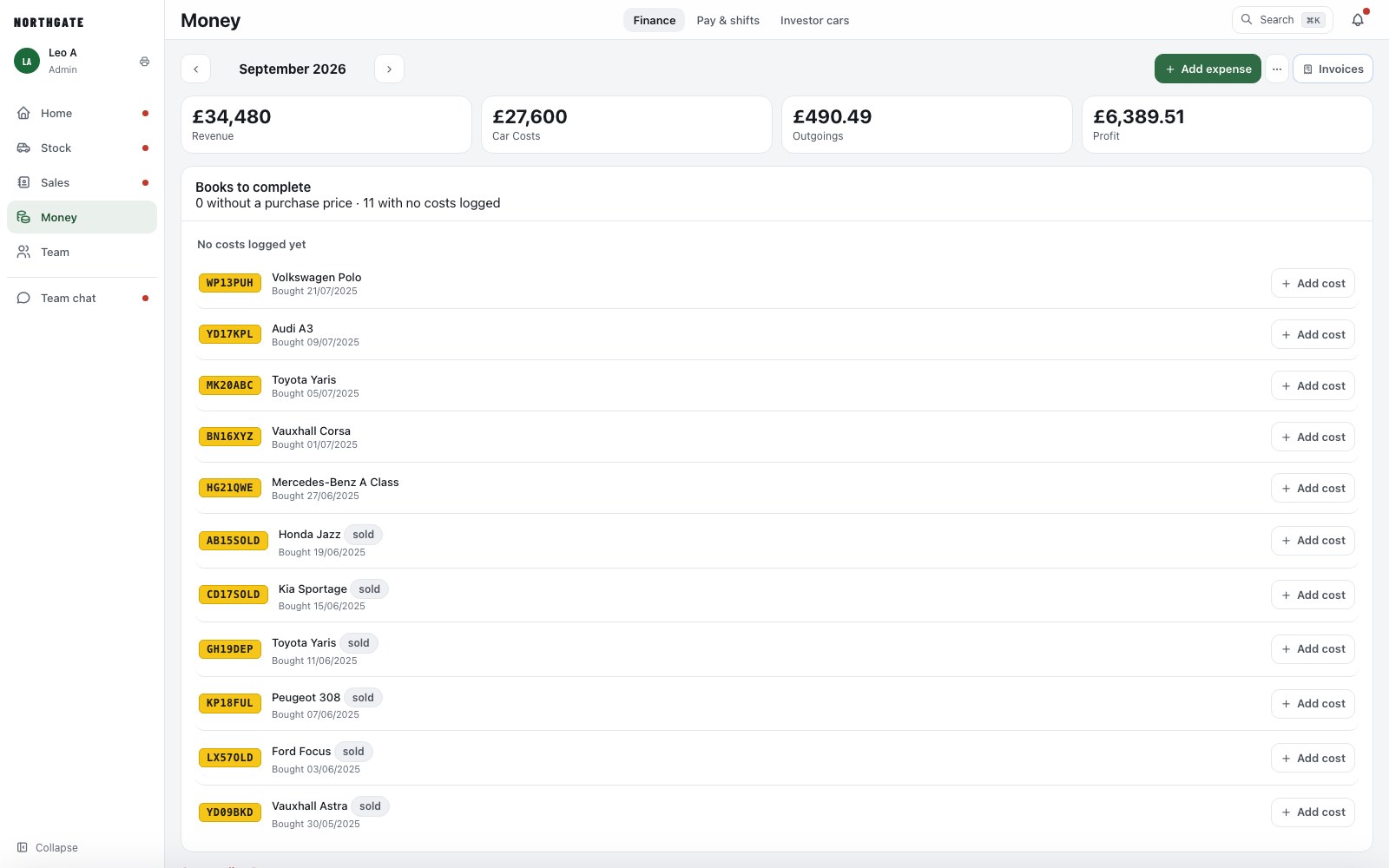
The Finance screen

Money

Profit per car with preparation costs and auction fees deducted. Invoices and receipts issued from the sale. Staff pay calculated from shifts and commission, with each person's balance visible to the owner.

  • Sales commission and warranty commission per person
  • Day rates, shifts and expenses in one view
  • Nightly backups held off site

See it on your own stock.

A fifteen-minute walkthrough on real cars, arranged within one working day.

Book a demo